User Guide
Your pocket melt-value companion for coins, bullion, and precious metals.
MeltWatch delivers real-time spot prices and instant melt-value calculations for US coins, world coins, and bullion. Whether you are sorting through a jar of old quarters, hunting coin rolls at the bank, or evaluating a stack at an estate sale, MeltWatch tells you what the metal is actually worth.
Table of Contents
- Getting Started
- Main Screen
- Coin Detail and Deal Calculator
- Tools Menu
- Melt Calculator
- Junk Silver Calculator
- Coin Roll Hunting
- Price Alerts
- My Collection
- eBay Profit Calculator
- Worth Grading?
- Venue / Dealer Mode
- Estate Sales
- Premium Tracker
- Badges
- Display Mode / Cast to TV
- Settings
- Free vs. Pro
- Tips and Tricks
- FAQ
1. Getting Started
When you first open MeltWatch, you land on the main screen with live spot prices for six metals and a scrollable list of US coins with their current melt values. No account required -- just open and go.
MeltWatch pulls spot prices from a dedicated pricing service. If you are offline, the app uses the last cached prices.
2. Main Screen
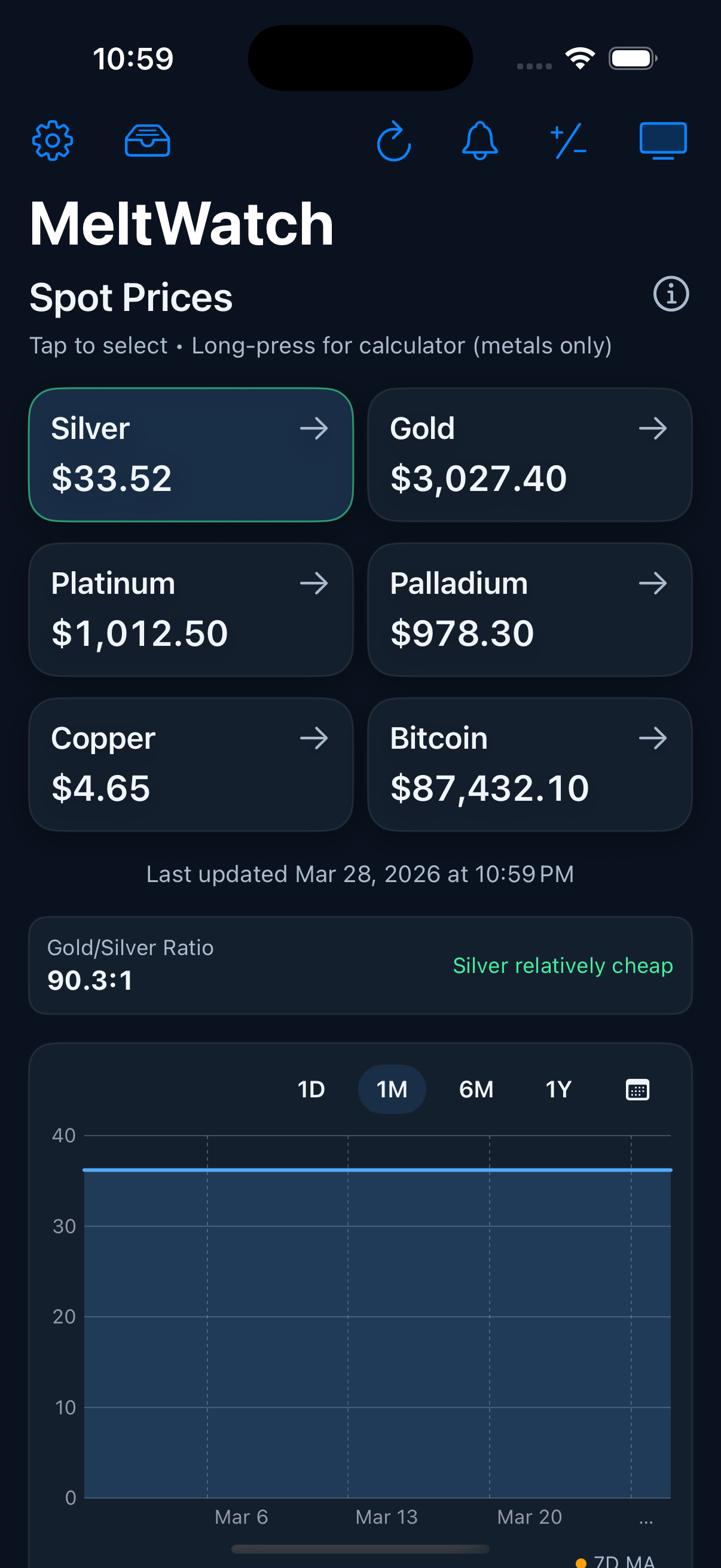
The main screen shows:
- Spot Prices -- Live prices for Silver, Gold, Platinum, Palladium, Copper, and Bitcoin.
- Gold/Silver Ratio -- The current ratio with a qualitative indicator (e.g., "Silver relatively cheap").
- Price Chart -- Long-press and drag to inspect price details. Free users see 1-day. PRO unlocks 1M, 6M, 1Y, custom ranges, and moving averages.
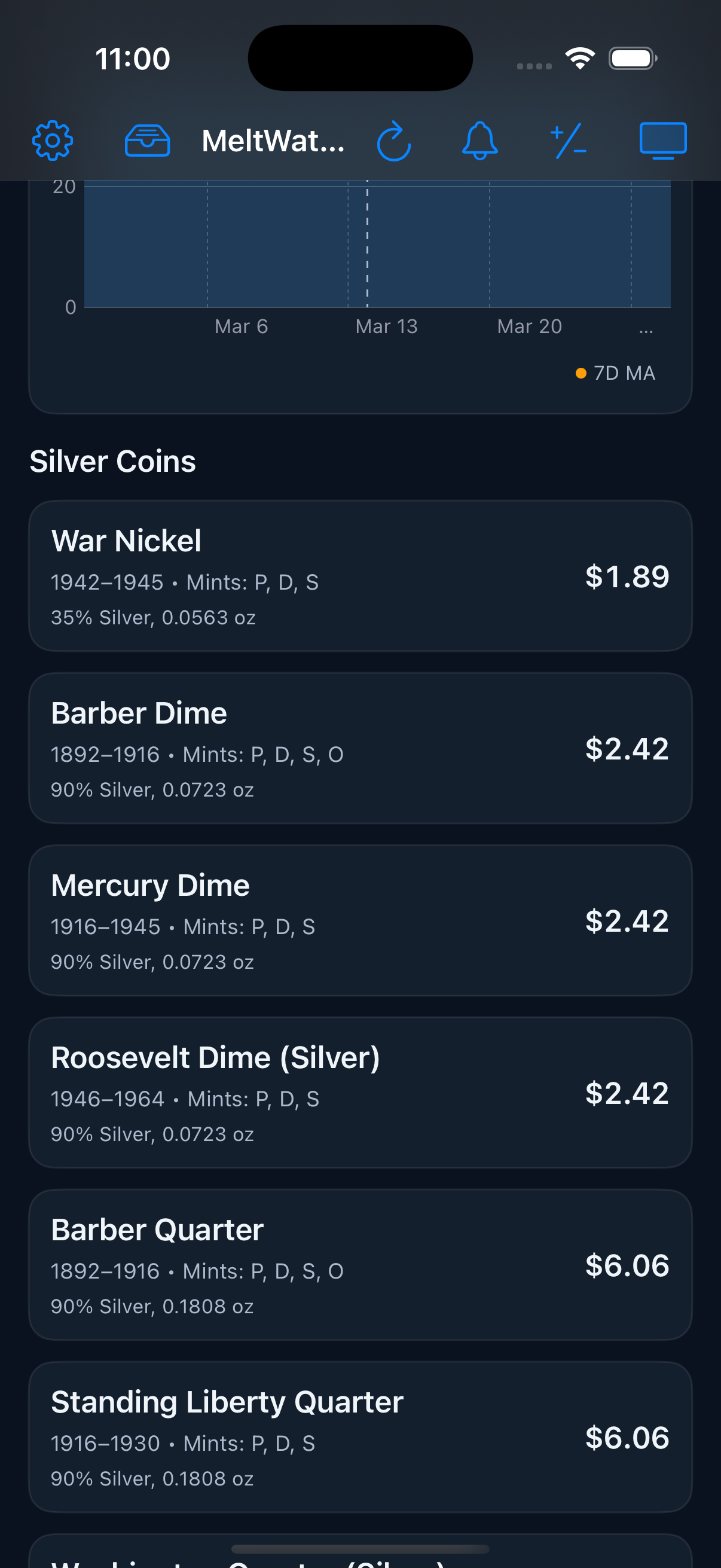
Below sits the Coin List -- each row shows a coin and its current melt value. Free includes 34 US coins. PRO adds 40+ world coins and bullion.
3. Coin Detail and Deal Calculator
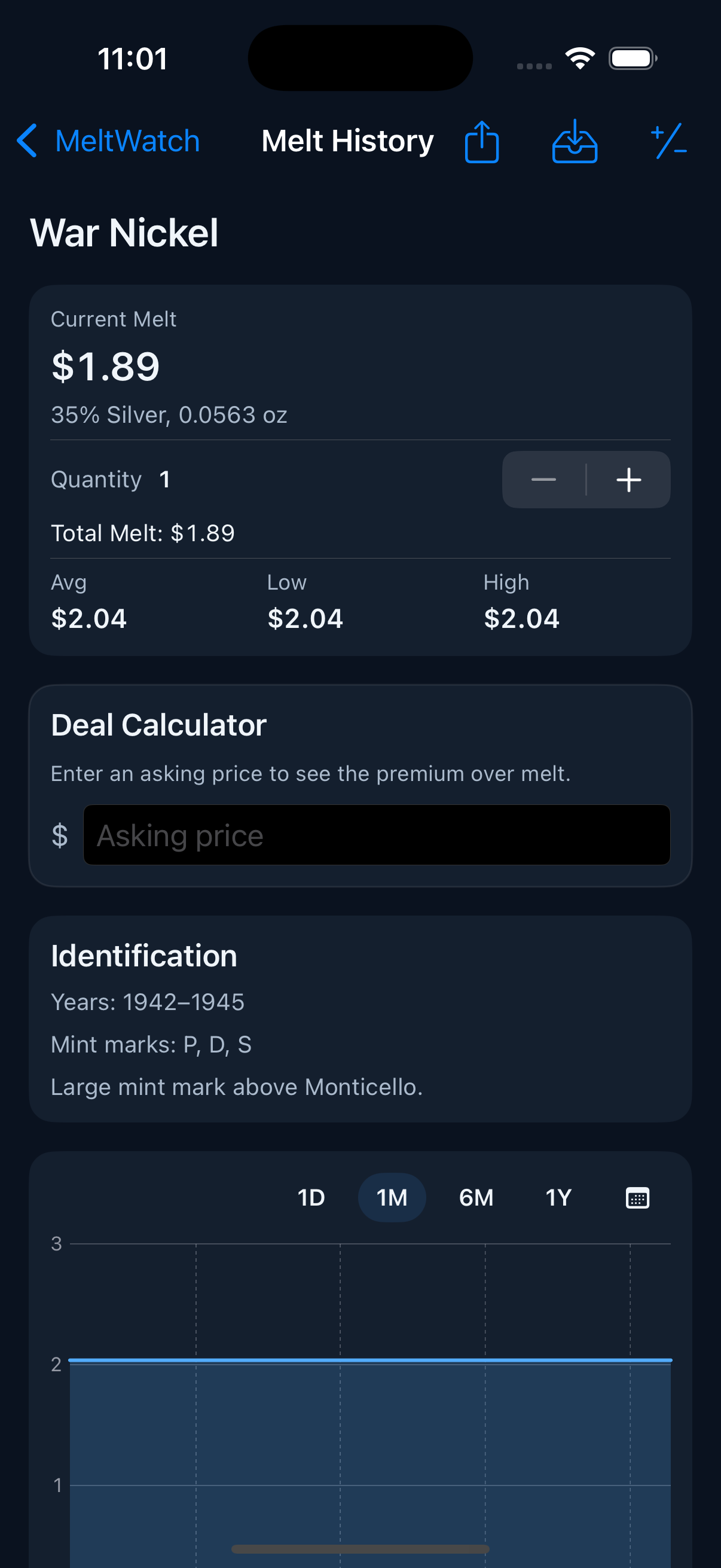
Tap any coin to see its full detail: current melt value, metal composition, troy weight, quantity stepper, price stats (avg/low/high), identification notes, and a price chart.
Deal Calculator
Enter an asking price and MeltWatch instantly shows whether the deal is above or below melt -- and by how much. Invaluable at flea markets, coin shows, and online listings.
4. Tools Menu
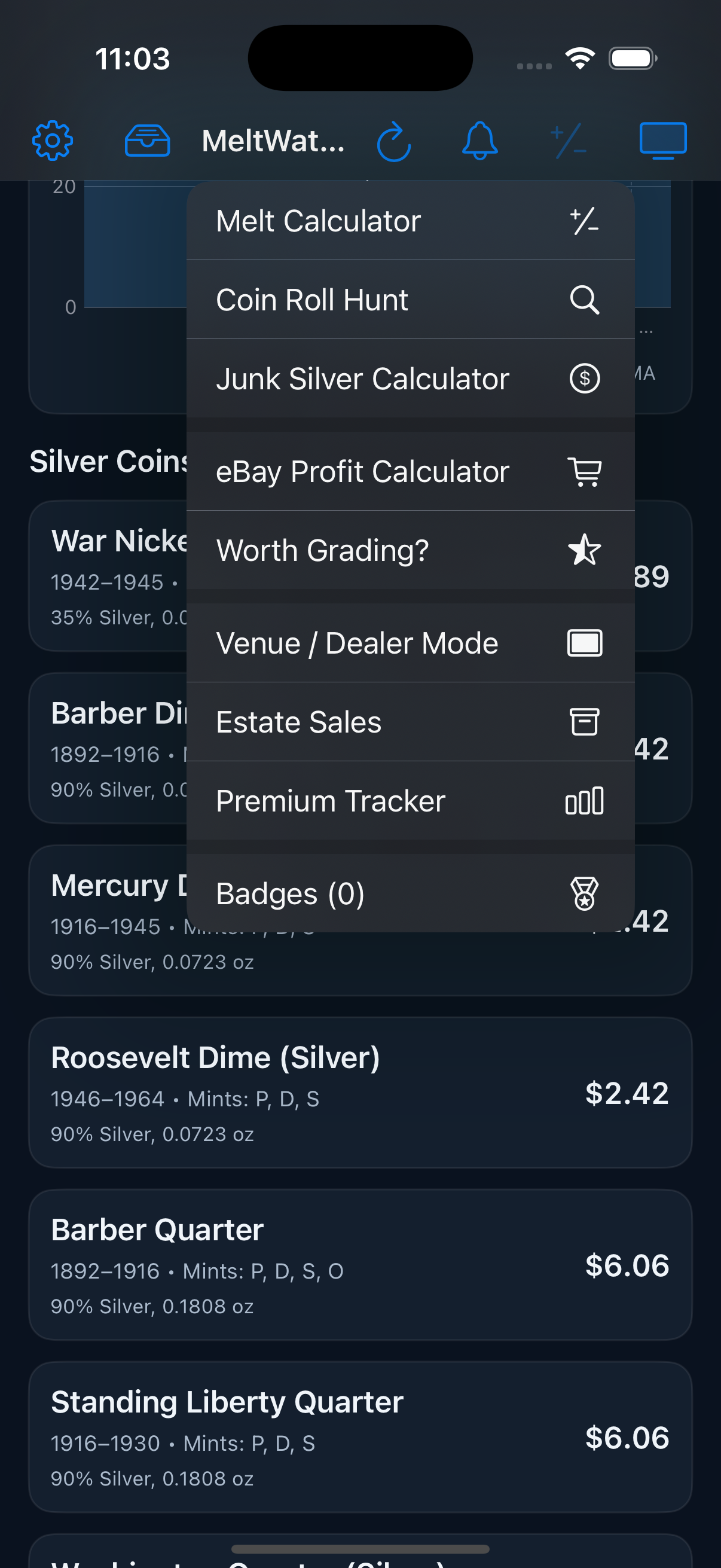
Tap the Tools button for the full suite: Melt Calculator, Coin Roll Hunt, Junk Silver Calculator, eBay Profit Calculator PRO, Worth Grading? PRO, Venue Mode PRO, Estate Sales PRO, Premium Tracker PRO, and Badges PRO.
5. Melt Calculator
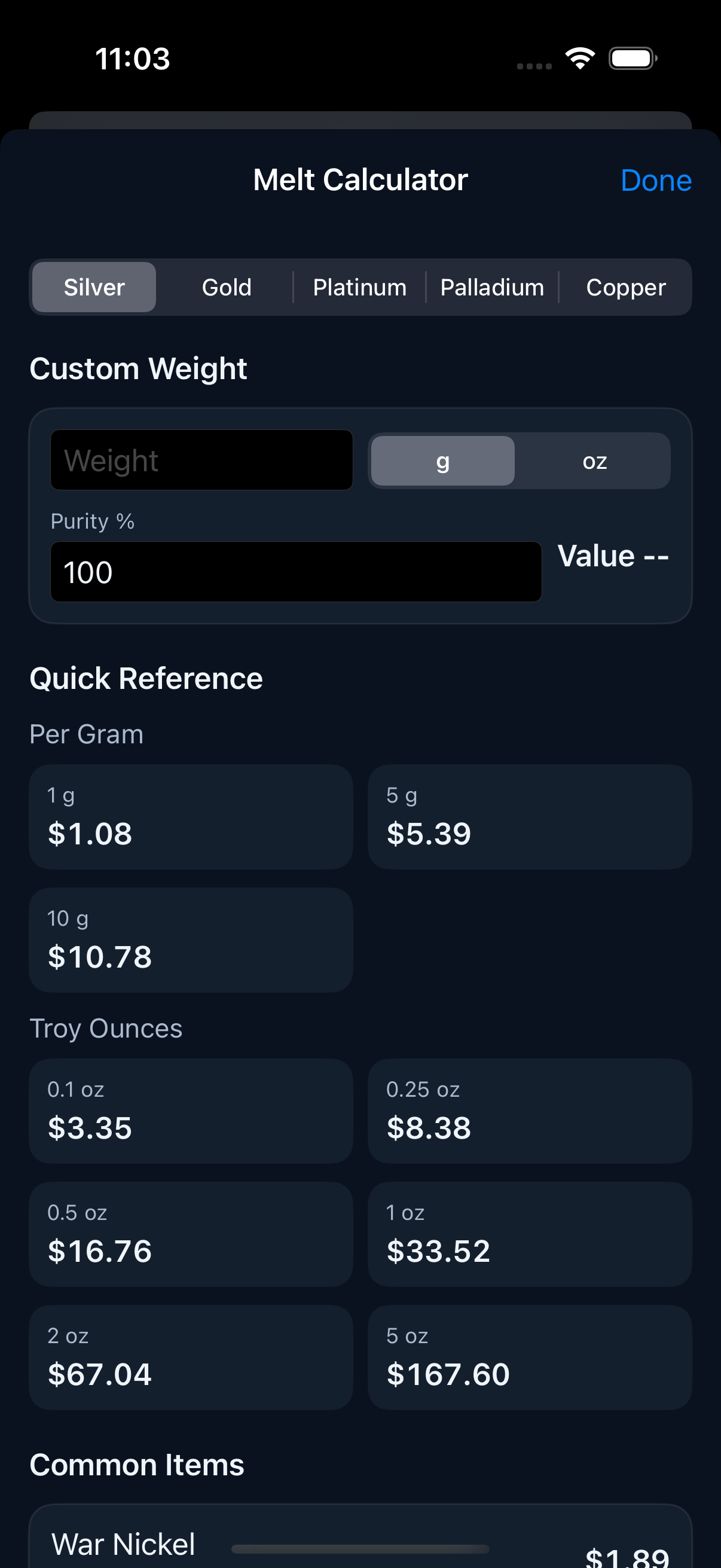
Find the metal value of anything. Select a metal, enter weight (grams or troy ounces), set purity, and get the melt value instantly. Includes a Quick Reference table and Common Items section.
6. Junk Silver Calculator
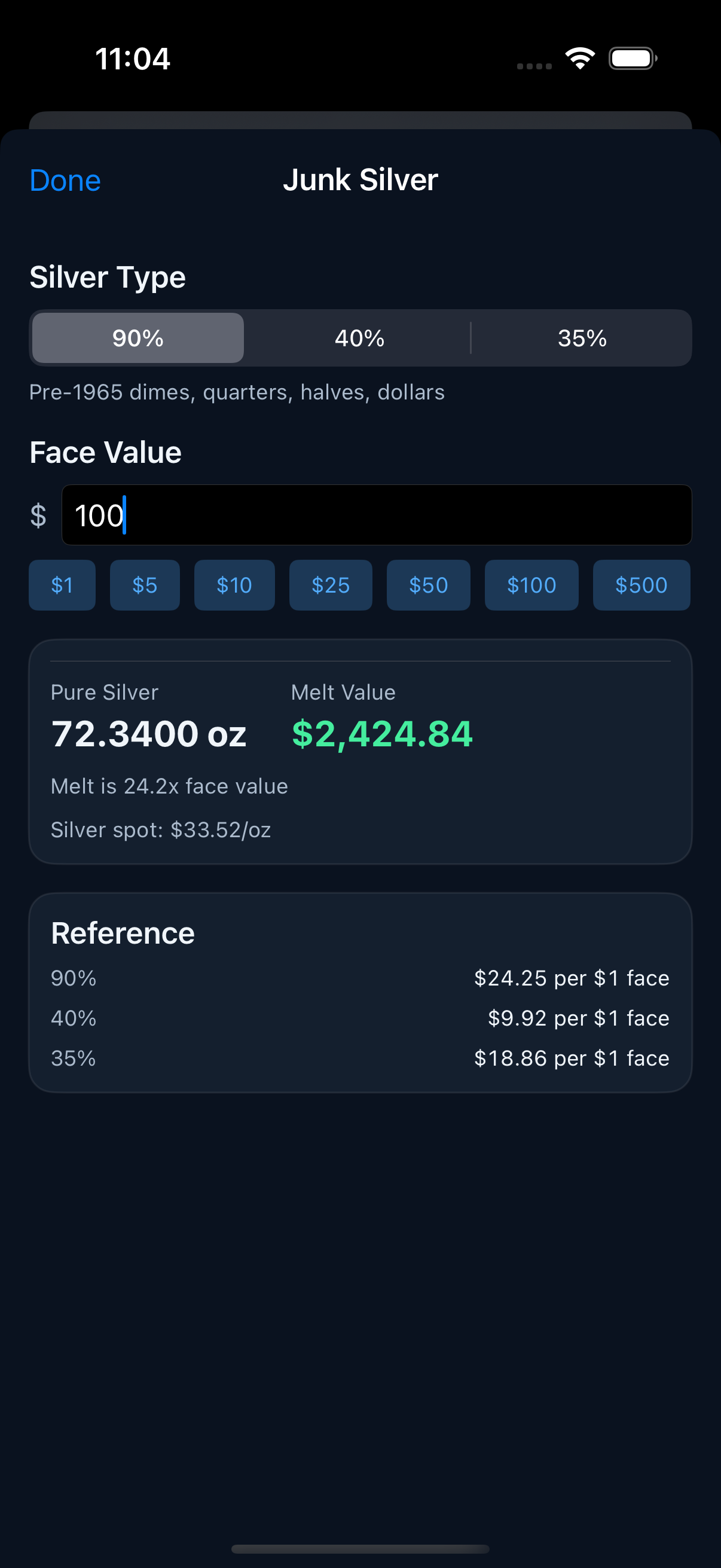
Convert face value to melt value. Select 90%, 40%, or 35% silver, enter the face value, and see the total troy ounces and current melt value. The reference table shows per-dollar-face values for quick mental math.
7. Coin Roll Hunting
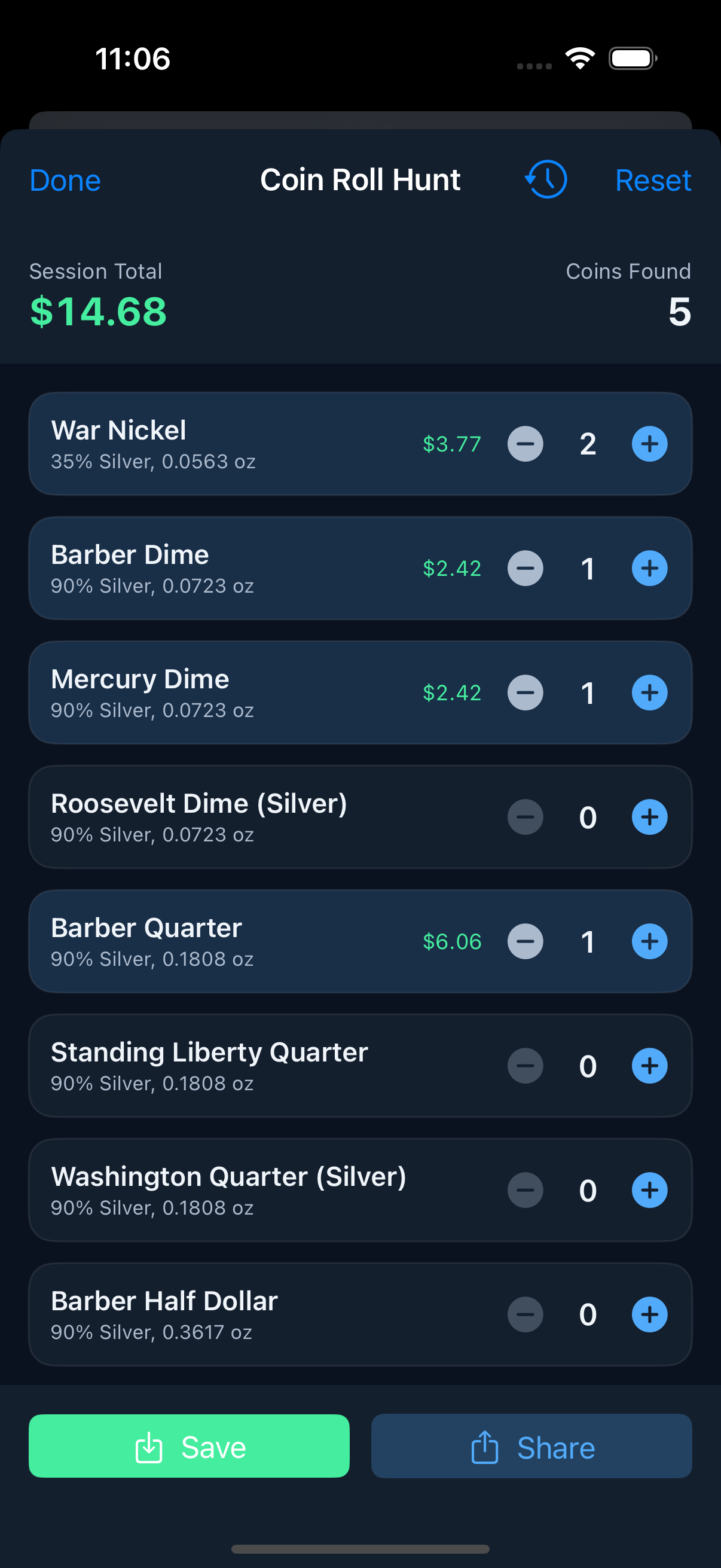
Track finds as you search. Tap + for each silver coin found, and MeltWatch tallies your session total and coin count in real time. Save and share your results. PRO unlocks full session history and lifetime stats.
8. Price Alerts
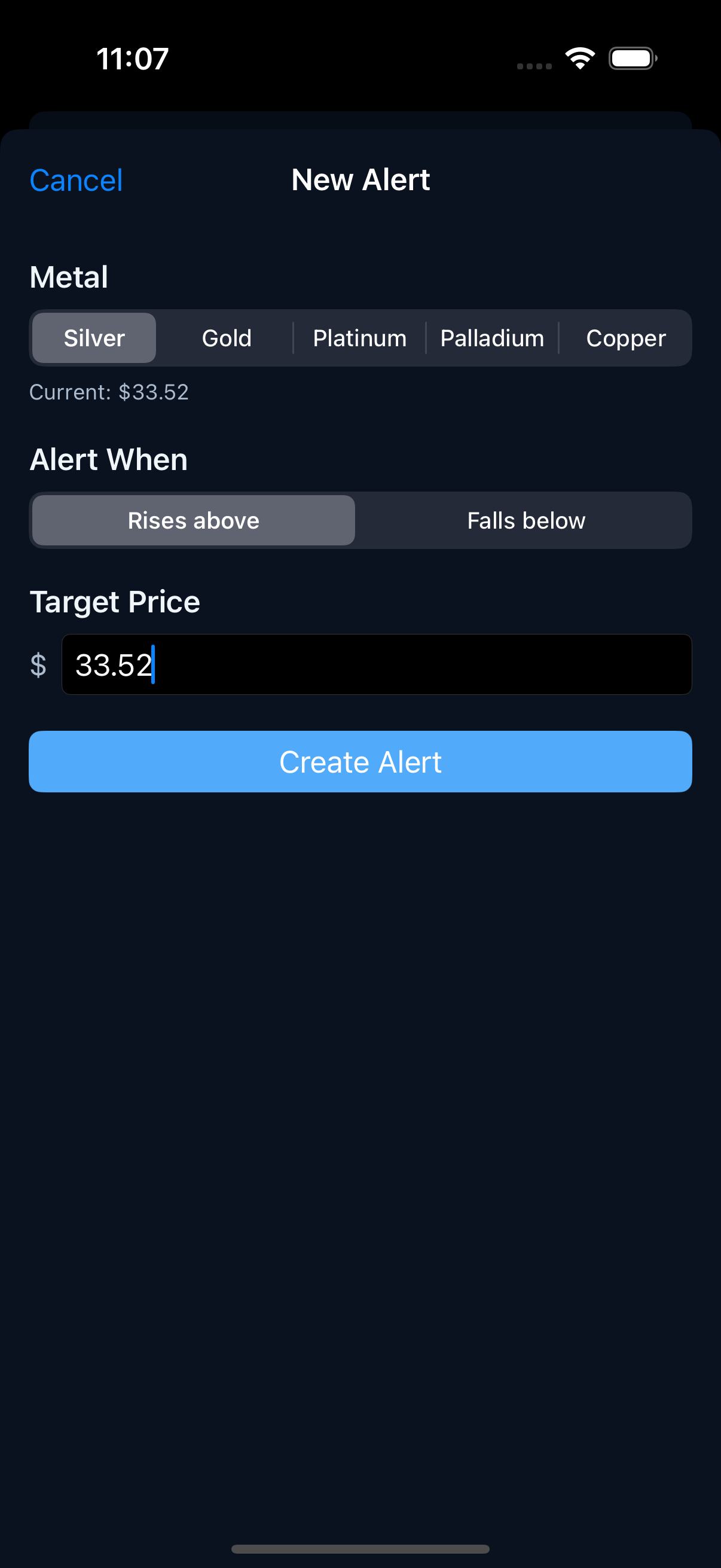
Set target prices for any metal. Choose "Rises above" or "Falls below," enter your target, and get a push notification when the condition is met. Free users get 1 alert. PRO unlocks unlimited.
9. My Collection
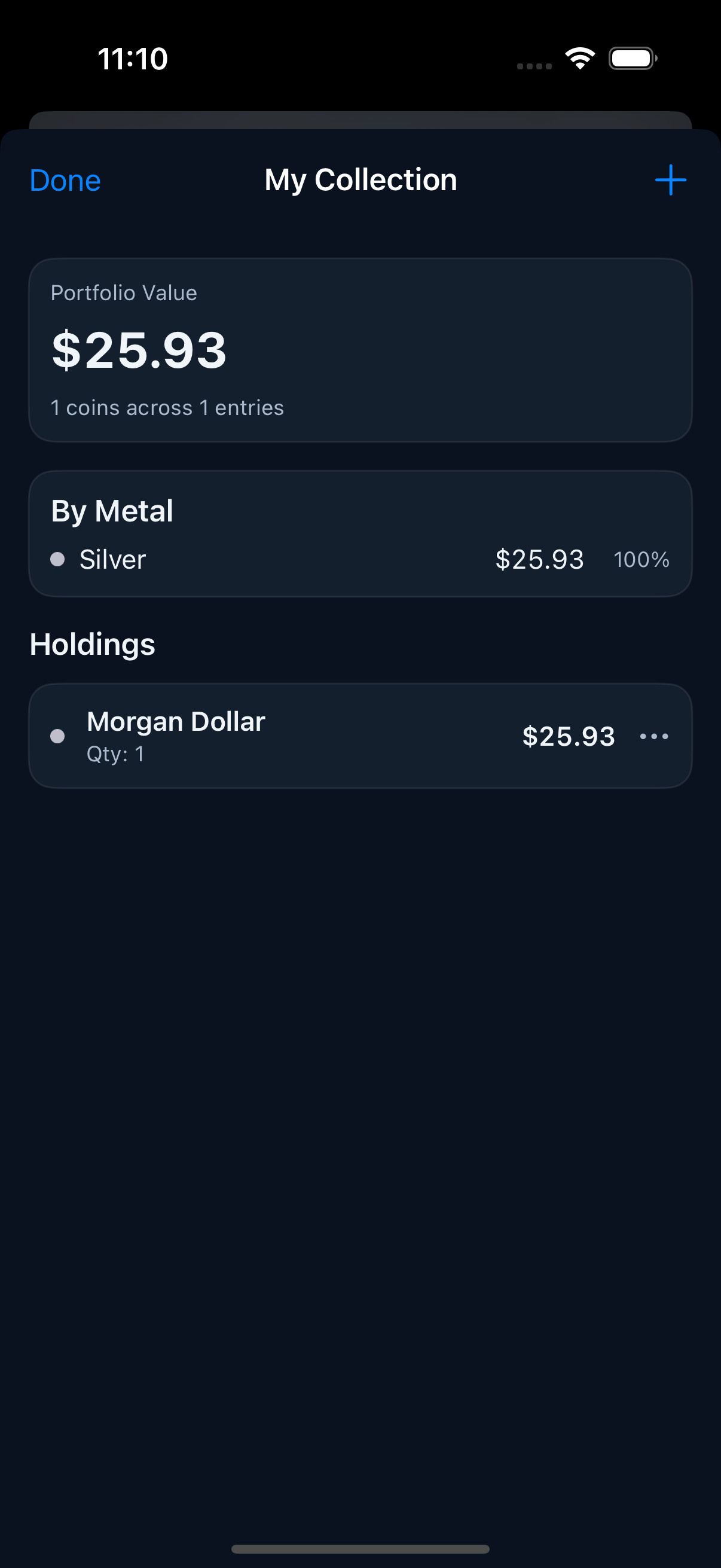
Track your holdings with live melt values. Add coins with quantity and purchase price to see profit/loss. The portfolio view shows total value and a metal breakdown. Free users get 5 items. PRO unlocks unlimited items plus CSV/PDF export.
10. eBay Profit Calculator PRO
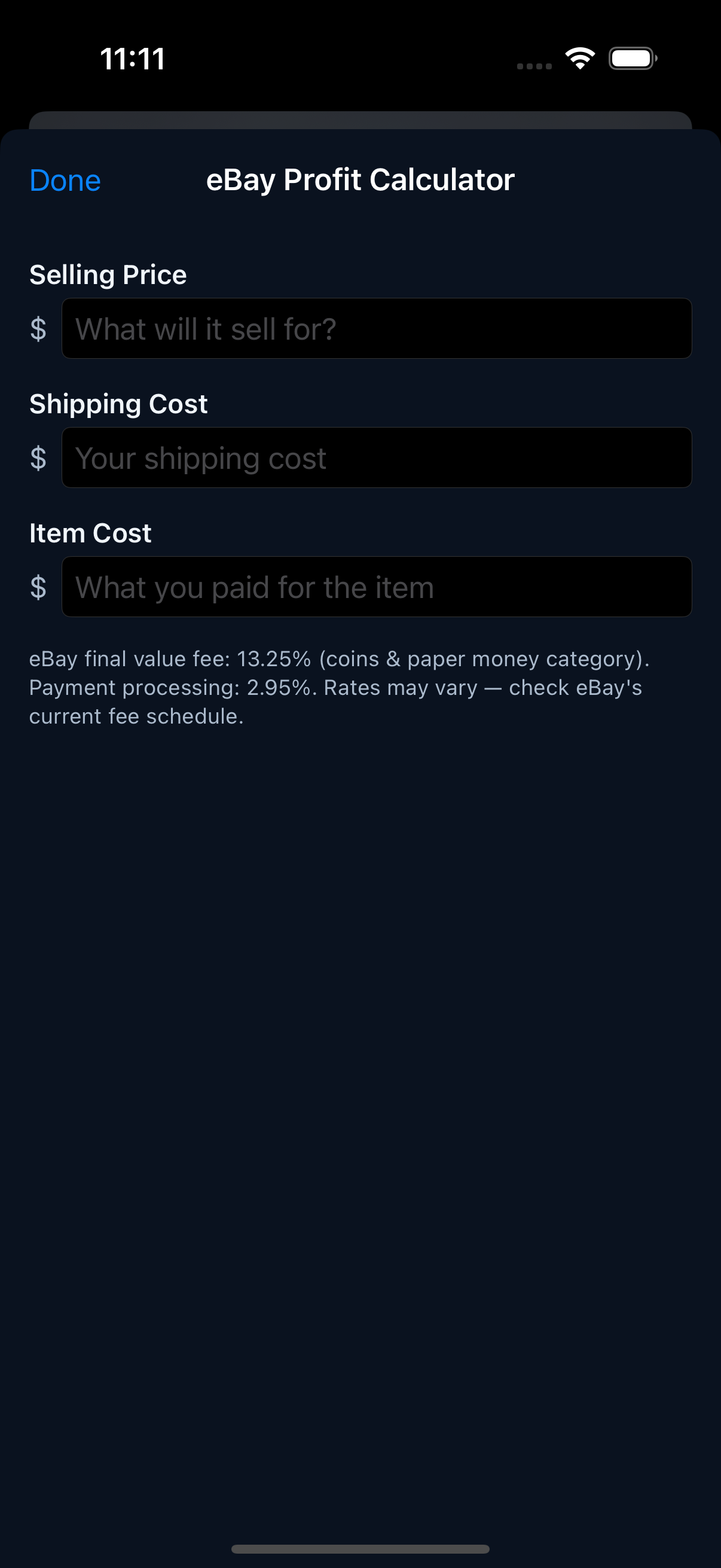
Enter selling price, shipping, and item cost. MeltWatch calculates eBay fees (13.25% final value + 2.95% payment processing) and shows your net profit. Know before you list.
11. Worth Grading? PRO
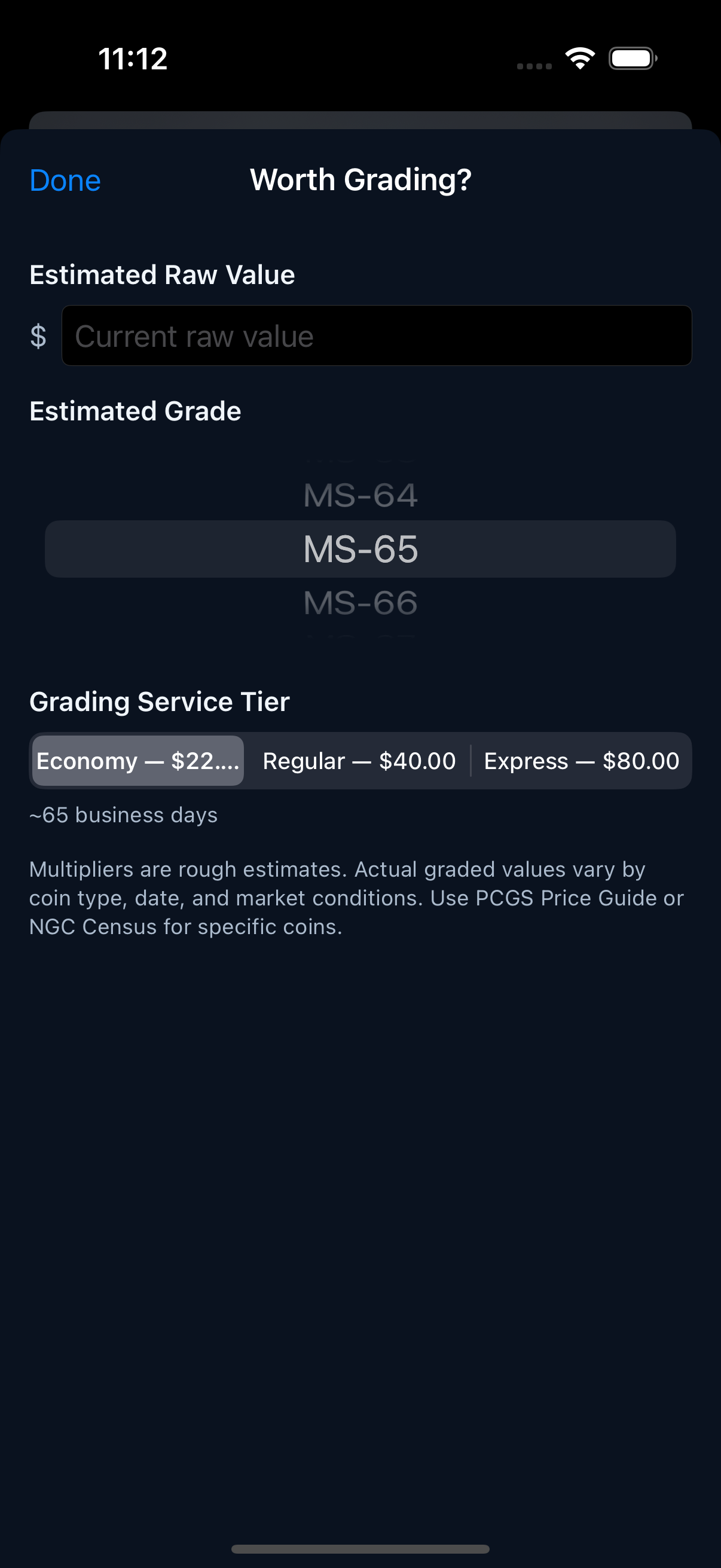
Enter the raw value, estimated grade, and service tier (Economy, Regular, Express). MeltWatch tells you whether the graded value exceeds the cost of grading. A clear yes/no answer before you send a coin in.
12. Venue / Dealer Mode PRO
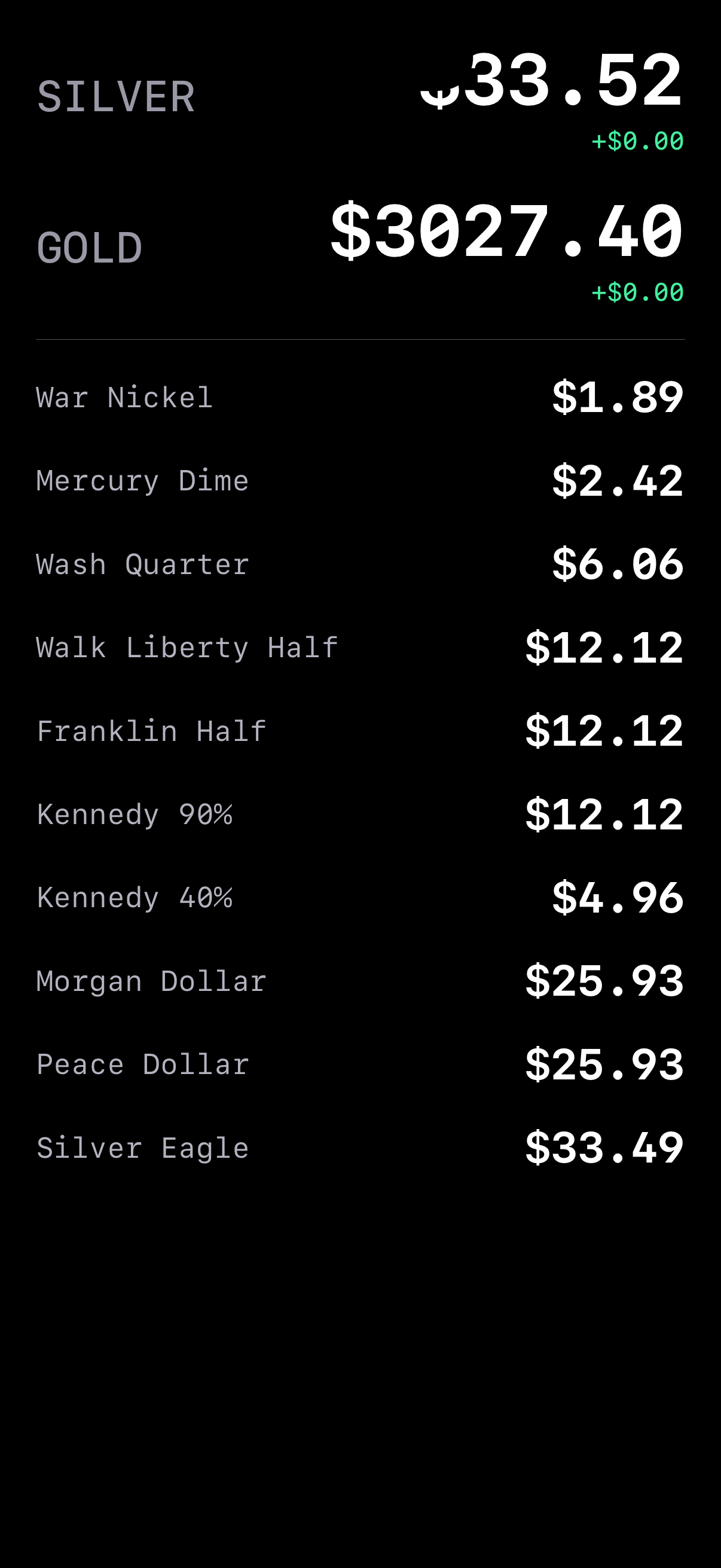
High-contrast, full-screen reference card. Silver and gold spot prices in oversized type, plus every common coin melt value. Designed for quick glances at coin shows, LCS visits, and estate sales.
13. Estate Sales PRO
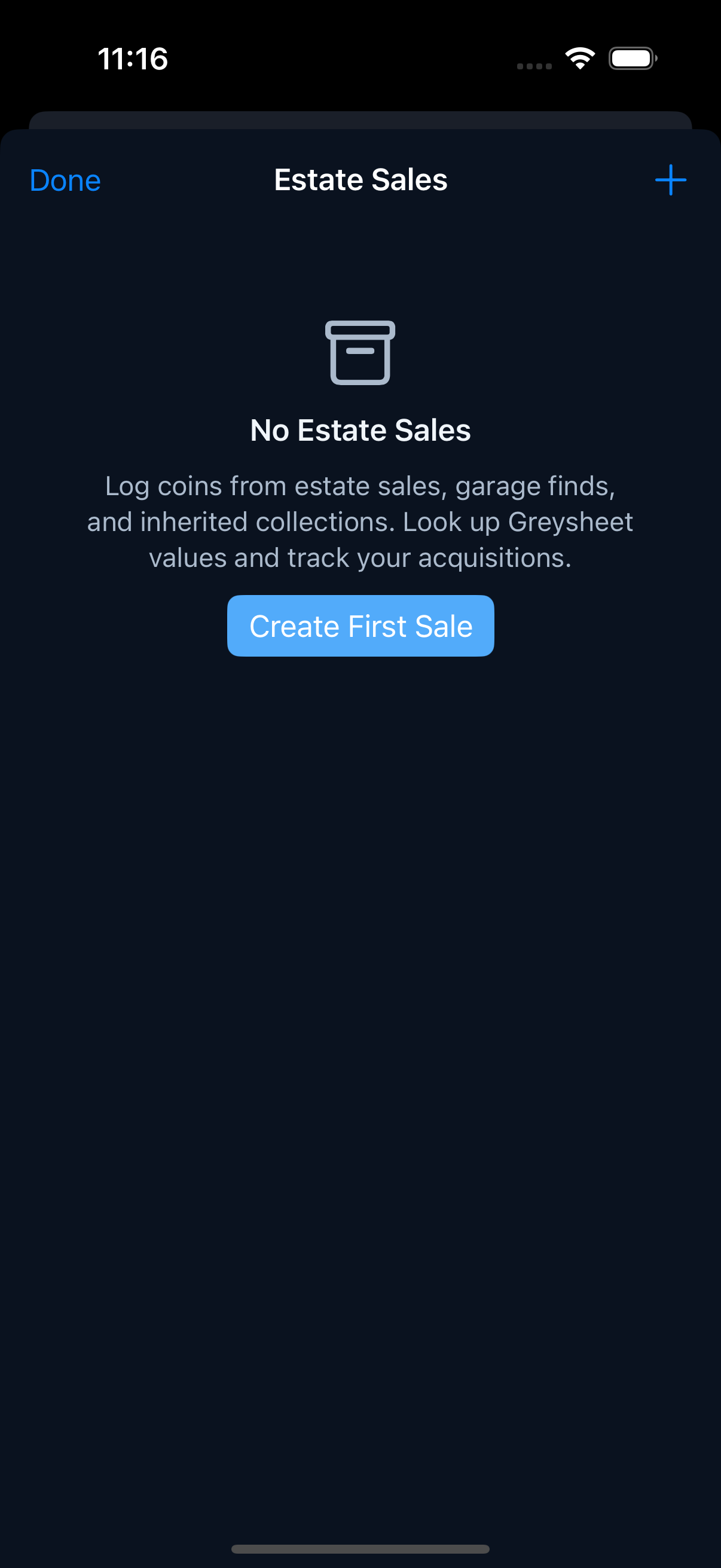
Organize coins from estate sales, garage finds, and inherited collections. Create sales, add items with denomination/year/mint, and track your acquisition costs over time.
14. Premium Tracker PRO
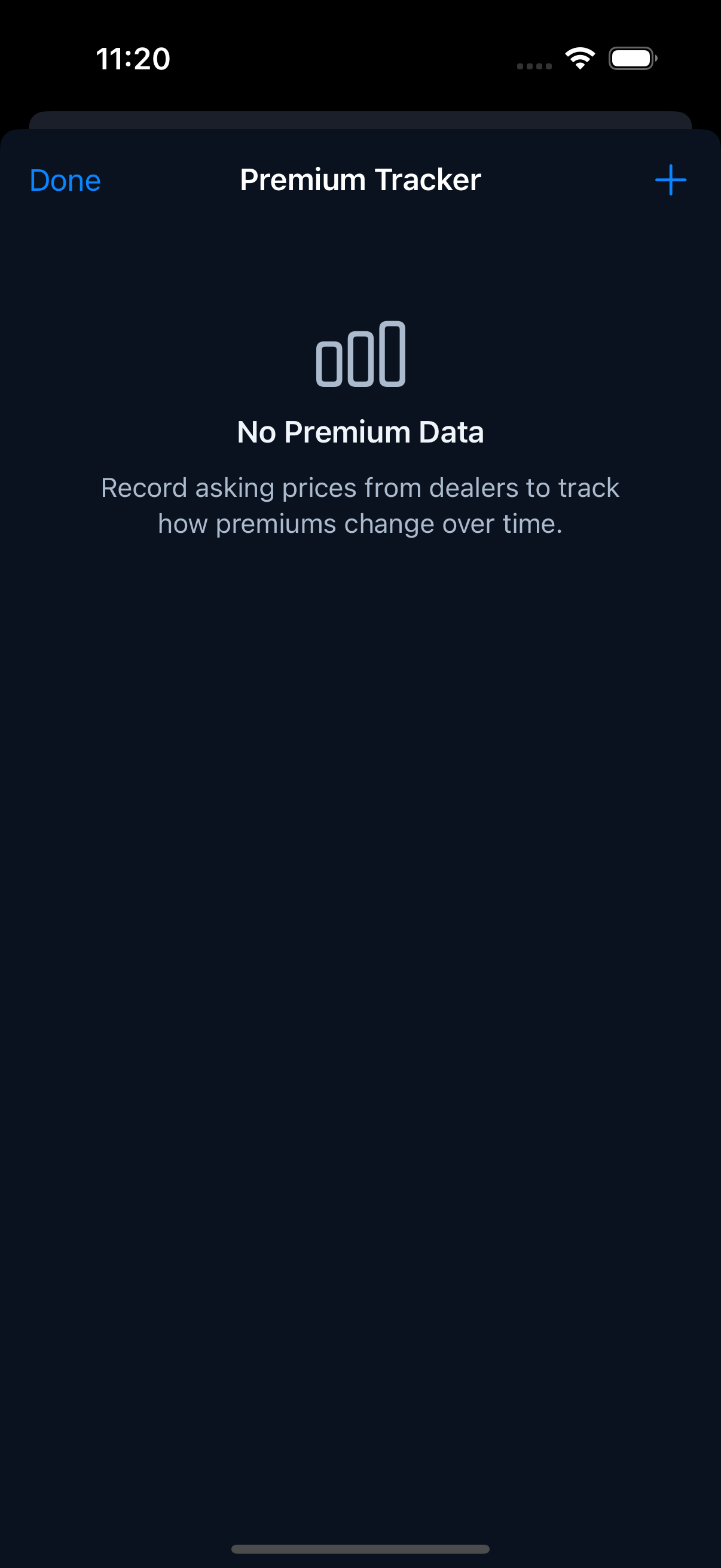
Record asking prices from dealers to track how premiums over spot change over time. Know when premiums are historically low (buy) or high (sell).
15. Badges PRO
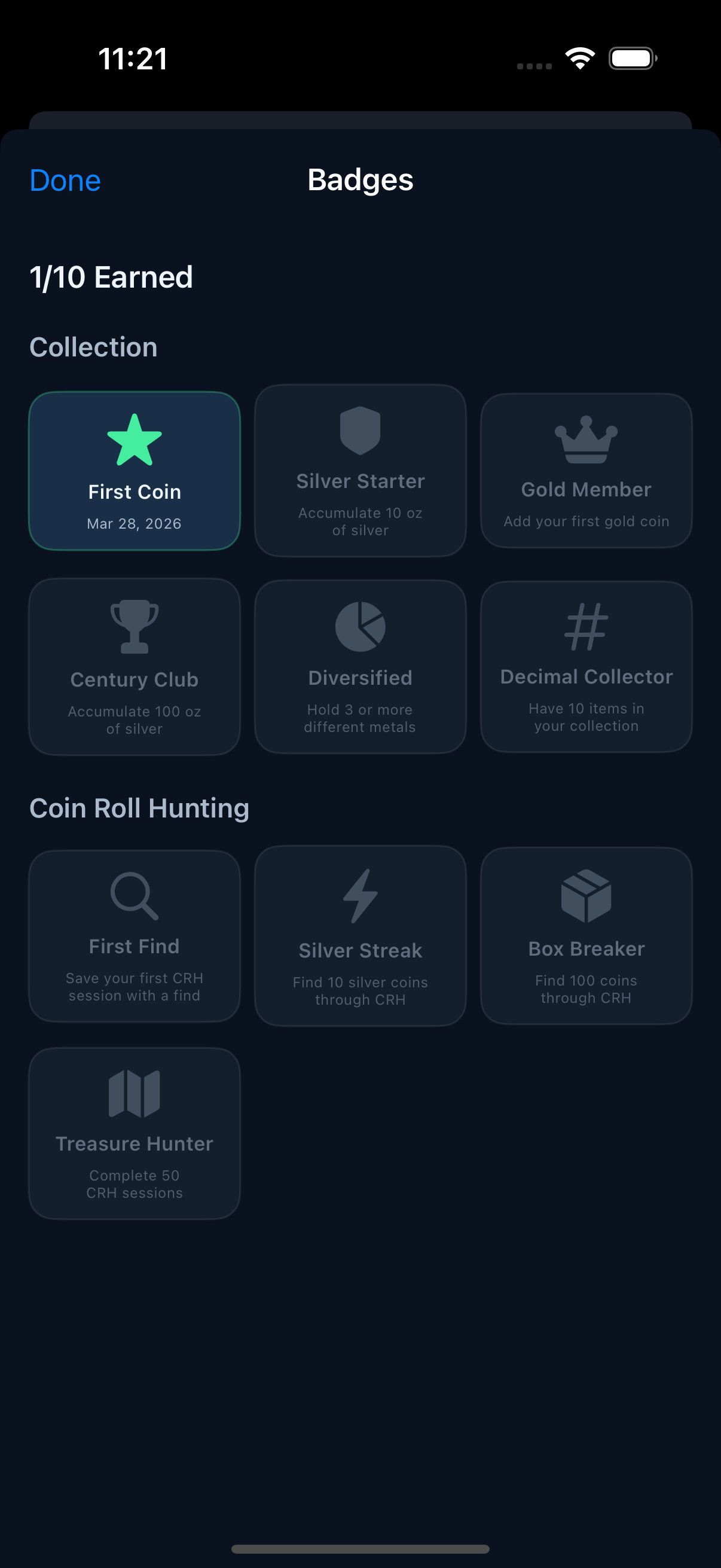
Earn achievements as you collect and hunt: First Coin, Silver Starter, Gold Member, Silver Streak, Box Breaker, and more. The badge grid tracks your progress across collection and CRH milestones.
16. Display Mode / Cast to TV PRO
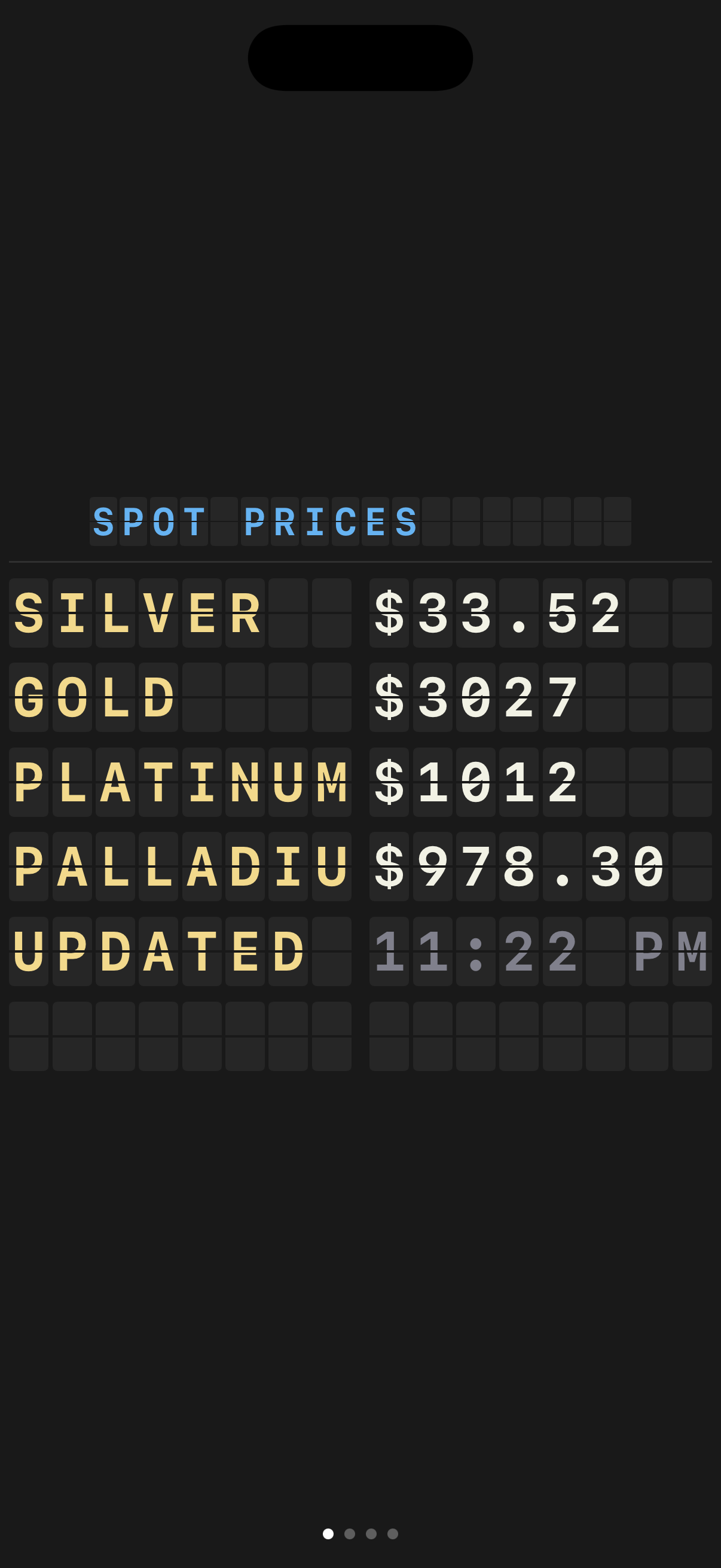
A retro split-flap departure board that cycles through spot prices and coin melt values. Pages include Spot Prices, Silver Coins, Gold Coins, World Coins, and your collection value.
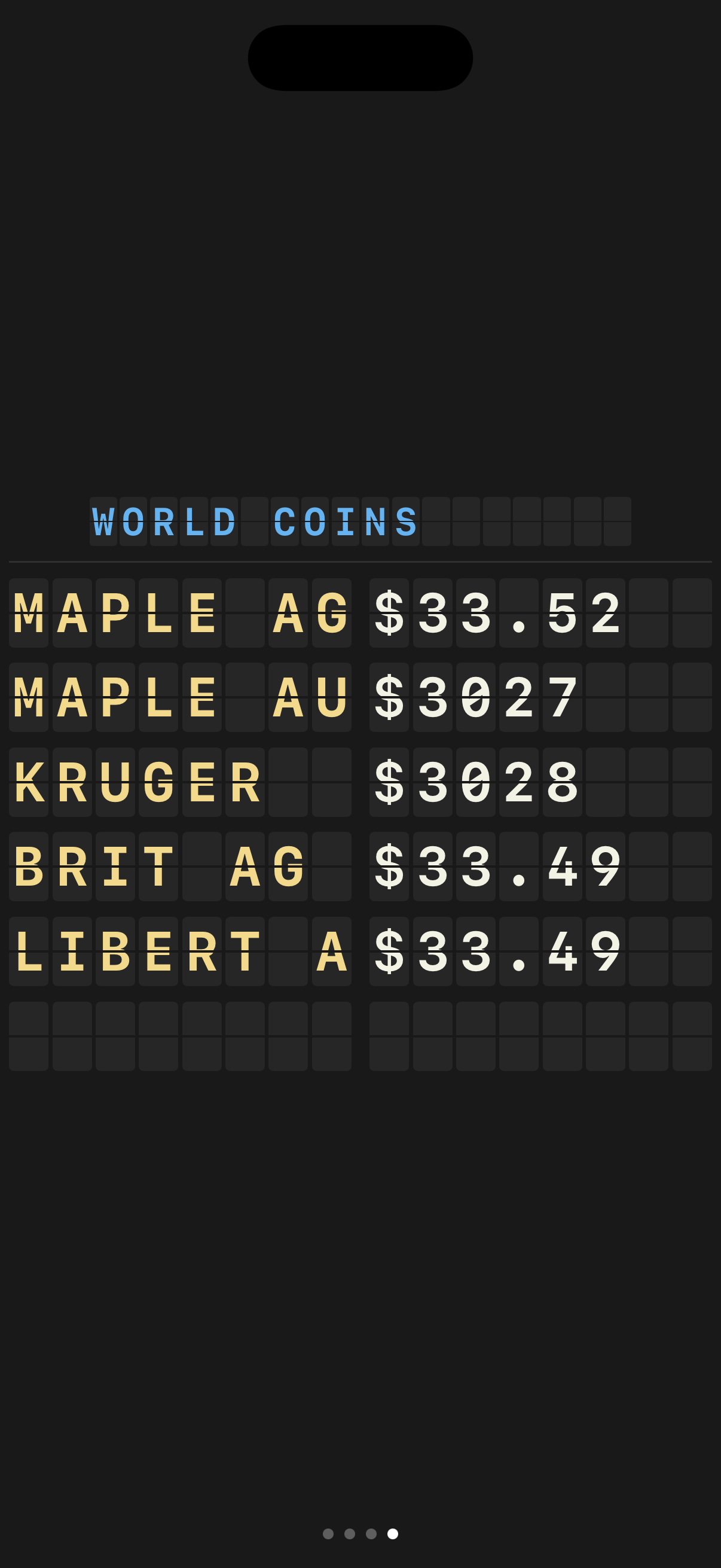
Cast to TV / External Display
iPad + AirPlay (best experience): AirPlay from your iPad to any Apple TV or AirPlay-compatible TV. The board runs as a dedicated display on the TV while you freely use other apps on the iPad. Ideal for coin shows, shops, and dealer booths -- completely wireless.
iPhone + AirPlay: Mirrors the board to your TV while the app is open. Switch apps and the TV shows your phone screen. Great for a quick display -- just keep MeltWatch in the foreground.
USB-C to HDMI adapter: Dedicated wired display. The board runs on the TV while your device is free. Works with both iPhone and iPad.
| Method | Device | Board Stays On TV? | Device Free? |
|---|---|---|---|
| AirPlay | iPad | Yes | Yes -- use other apps freely |
| AirPlay | iPhone | Only while app is open | No |
| USB-C/HDMI adapter | iPhone or iPad | Yes | Yes |
17. Settings
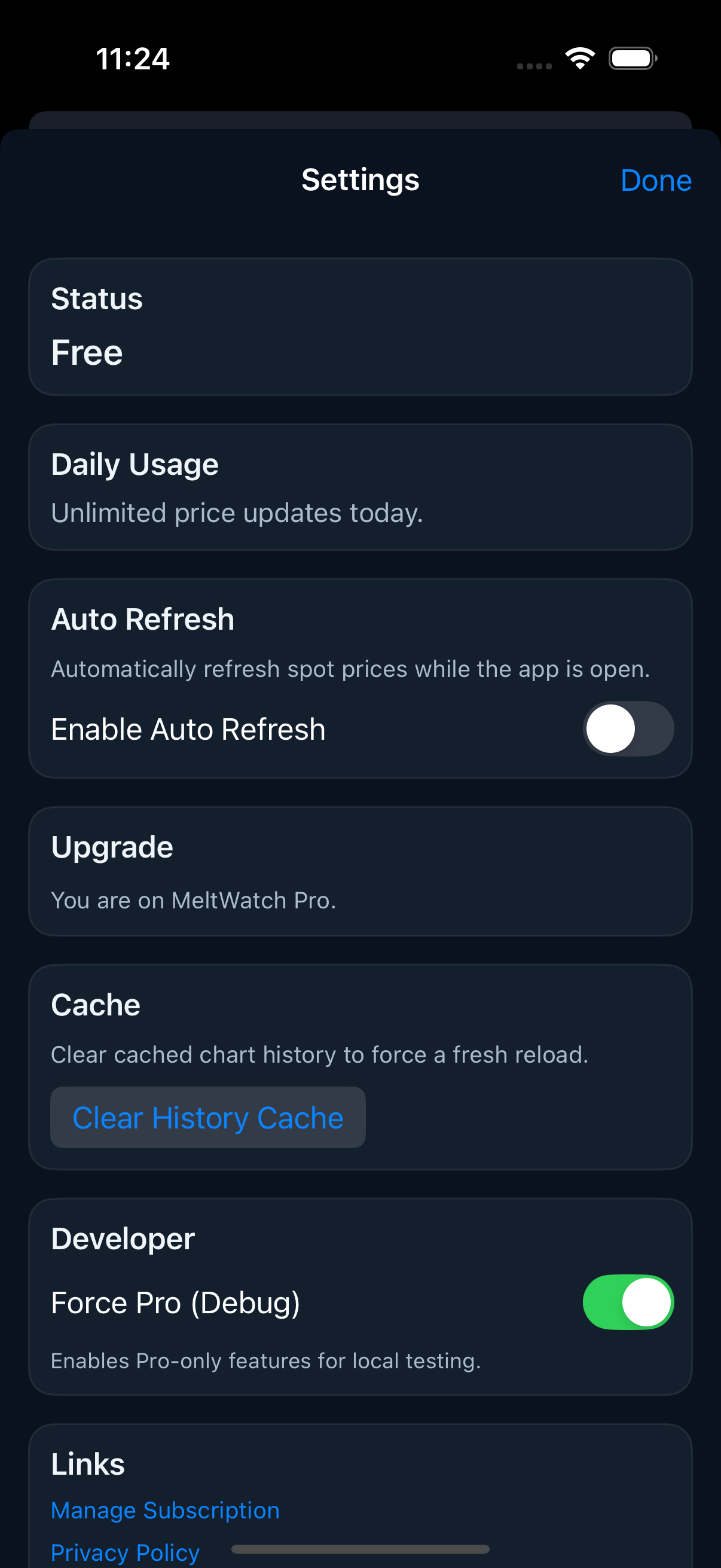
Control app behavior: status, daily usage, auto-refresh PRO, upgrade, cache management, and support links.
18. Free vs. MeltWatch Pro
| Feature | Free | Pro |
|---|---|---|
| Spot prices (6 metals) | Yes | Yes |
| US coin melt values (34) | Yes | Yes |
| Melt + Deal Calculator | Yes | Yes |
| Gold/Silver Ratio | Yes | Yes |
| Price charts (1D, 1M, 6M, 1Y, custom) | -- | PRO |
| Light mode / themes | -- | PRO |
| Canadian Coin Roll Hunting | -- | PRO |
| Auto-refresh | -- | PRO |
| World coins + bullion (40+) | -- | PRO |
| Price alerts | -- | Unlimited |
| Collection items | 1 | Unlimited |
| eBay Profit Calculator | 3/day | Unlimited |
| Batch Valuation | 1/day | Unlimited |
| CSV/PDF export | -- | PRO |
| CRH history | Current | PRO |
| Display Mode, Venue, Estate Sales, Badges, Grading Calc, Premium Tracker | -- | PRO |
| Widgets | -- | PRO |
19. Tips and Tricks
- At a coin show: Use the Deal Calculator. Punch in the asking price and know instantly if it's above or below melt.
- Coin roll hunting: Start a CRH session before cracking open rolls. Tap coins as you find them.
- Building a collection: Log every purchase with price. Export to CSV periodically for insurance records.
- Market tracking: Set "Falls below" alerts for metals you want to buy on dips.
- Display Mode: Prop a spare iPad on your desk running Display Mode for an ambient price ticker.
- Junk silver deals: Open the Junk Silver Calculator before buying. Know the exact melt value before you negotiate.
- Venue Mode: Show sellers you know current spot. It builds credibility and saves haggling time.
20. FAQ
Where do prices come from?
MeltWatch uses a dedicated pricing service that aggregates market data. Prices update throughout the trading day.
Can I use MeltWatch offline?
The app shows the last cached prices when offline. Pro users get extended caching for full offline mode.
What coins are included?
34 US coins free, 40+ total with Pro (including Canadian Maples, British Britannias, Mexican Libertads, Krugerrands, and more).
Do I need an account?
No. MeltWatch works without any sign-up. Pro features unlock via App Store subscription.
What is the Gold/Silver Ratio?
The number of silver ounces needed to buy one ounce of gold. A high ratio (90:1) means silver is relatively cheap. Many stackers use this to decide which metal to buy.
MeltWatch is developed by Swamp Treasure LLC.